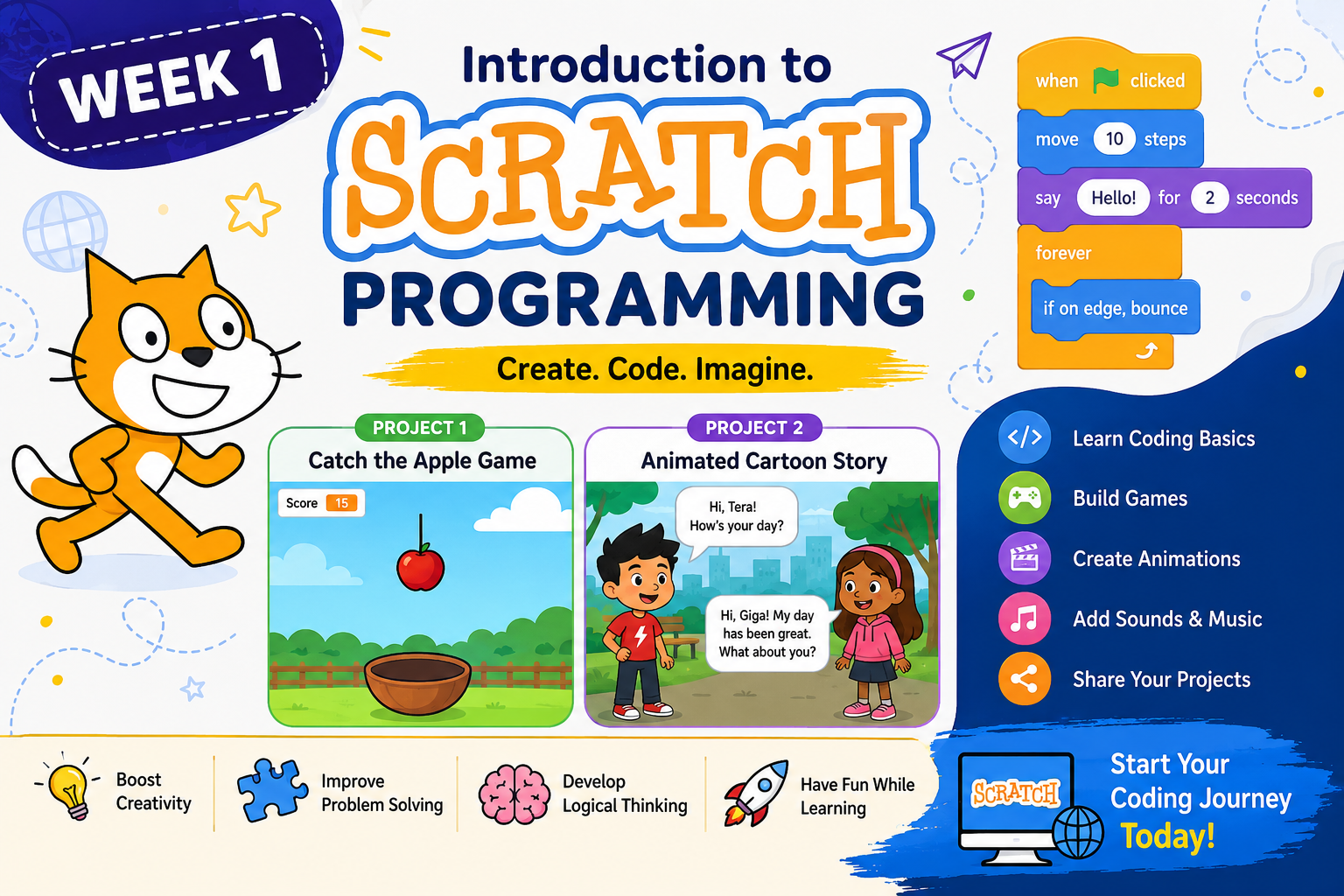
Week 1: Introduction to Scratch Programming – Build Your First Interactive Games & Animated Stories
Welcome to Week 1 of Scratch Programming!This course introduces learners to the exciting world of programming using Scratch, a visual, drag-and-drop programming language developed...
About this course
Welcome to Week 1 of Scratch Programming!
This course introduces learners to the exciting world of programming using Scratch, a visual, drag-and-drop programming language developed by the MIT Media Lab. No previous programming experience is required.
Throughout this week, students will learn the core concepts of programming while creating fun and interactive projects. They will become familiar with the Scratch interface, understand how coding blocks work, and apply programming logic by developing their own games and animated stories.
The lessons combine theory with practical exercises, allowing students to build confidence through hands-on learning.
During this week, students will learn:
- What Scratch is and why it is one of the best programming tools for beginners
- The benefits of learning programming with Scratch
- How to create a Scratch account and install the Scratch Desktop application
- Understanding the Scratch interface and workspace
- Important Scratch concepts including:
- Sprites
- Stage
- Scripts
- Costumes
- Backdrops
- Events
- Variables
- Motion
- Looks
- Control Blocks
- Operators
- Creating a complete "Catch the Apple" game from scratch
- Using variables to keep score
- Detecting collisions between sprites
- Adding sounds, levels, and animations
- Creating clones for more dynamic gameplay
- Building an animated cartoon story featuring multiple characters
- Creating conversations using broadcast messages
- Adding character movement, dialogue, sound effects, and scene transitions
- Testing, debugging, saving, and sharing Scratch projects
- Exploring the Scratch online community and learning resources
Practical Projects
By the end of this week, students will complete two exciting projects:
🎮 Project 1: Catch the Apple Game
Students will build a simple game where they control a bowl to catch falling apples while keeping score.
🎬 Project 2: Animated Cartoon Story
Students will create a 30-second animated story featuring multiple characters, conversations, animations, sound effects, and scene transitions.
These projects reinforce programming fundamentals while encouraging creativity and computational thinking.
Learning Outcomes
After completing this week's lessons, students will be able to:
- Explain what Scratch is and how it works.
- Navigate the Scratch programming environment confidently.
- Create and manage sprites, costumes, and backdrops.
- Use events, motion, looks, control, sensing, and variable blocks.
- Build simple interactive games.
- Create animated stories with dialogue and character movement.
- Apply programming concepts such as sequencing, loops, conditionals, variables, and events.
- Test, debug, save, and publish Scratch projects.
- Develop logical thinking, creativity, and problem-solving skills.
Topics Covered
- Introduction to Scratch
- Installing and Setting Up Scratch
- Scratch Interface
- Programming Blocks
- Sprites and Stage
- Motion & Animation
- Events
- Variables
- Loops
- Conditional Statements
- Sounds
- Costumes
- Backdrops
- Broadcast Messages
- Game Development
- Story Animation
- Testing & Debugging
- Sharing Scratch Projects
Resources Included
- 📚 Instructor Notes
- 🎥 Scratch Tutorial Videos
- 💻 Hands-on Coding Exercises
- 🎮 Game Development Project
- 🎬 Story Animation Project
Prerequisites
No programming experience is required.
Students only need:
- A computer (Windows, macOS, or Linux)
- Internet connection (recommended)
- Scratch account (optional but recommended)
- Scratch Desktop App (optional for offline learning)
Course curriculum (3 items)
Comments (0)